
Tokenized stocks are blockchain-based assets that mirror the price of traditional stocks like Apple or Tesla. Each token provides exposure to a real-world share and can typically be traded around the clock using crypto wallets and decentralized apps. This approach brings stocks on-chain, making investing more accessible, efficient, and integrated with the crypto ecosystem.
Disclaimer: The information provided in this article is for educational and informational purposes only and should not be considered financial, investment, or trading advice. Always do your own research and consult with a qualified financial advisor before making any investment decisions. Cryptocurrency markets are highly volatile and carry significant risk.
Swapping to Tokenized Stocks
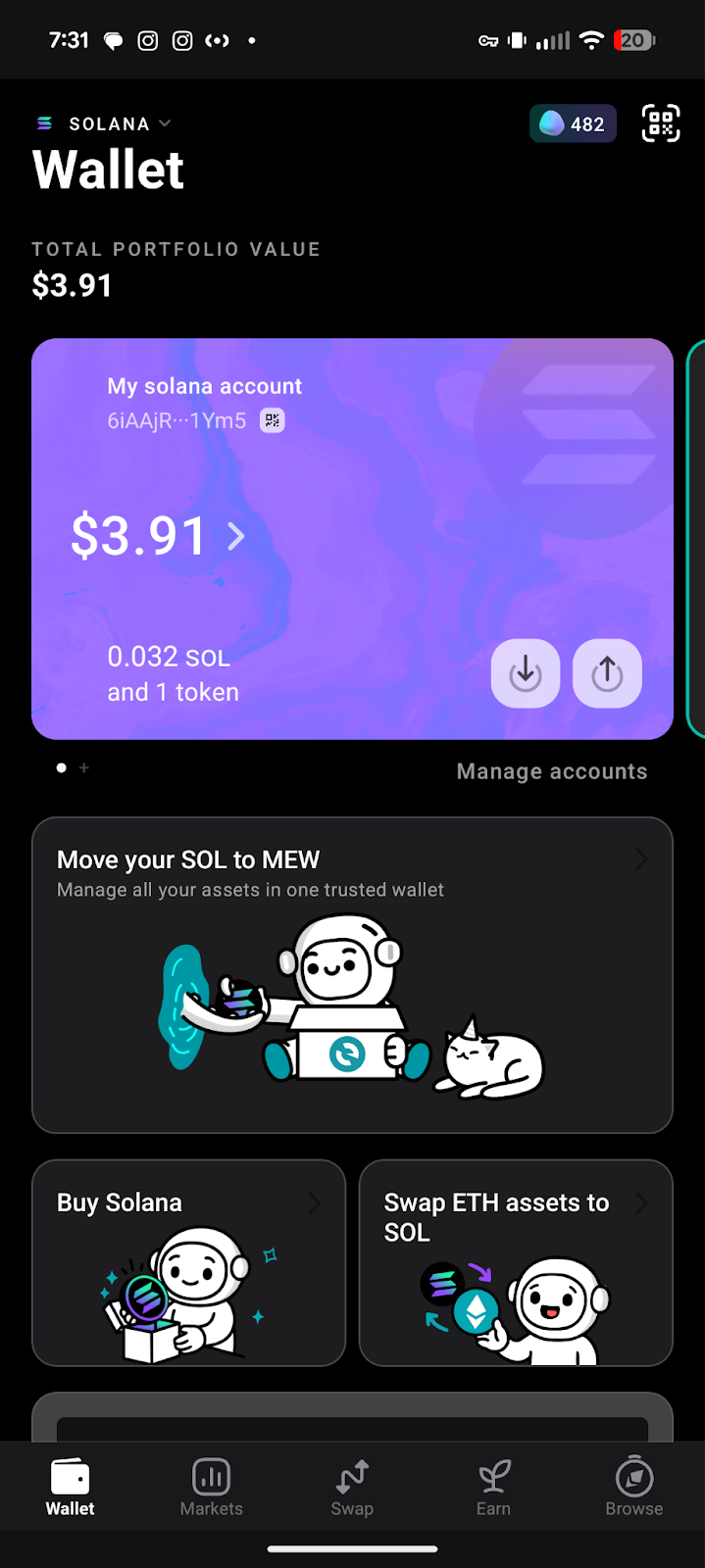
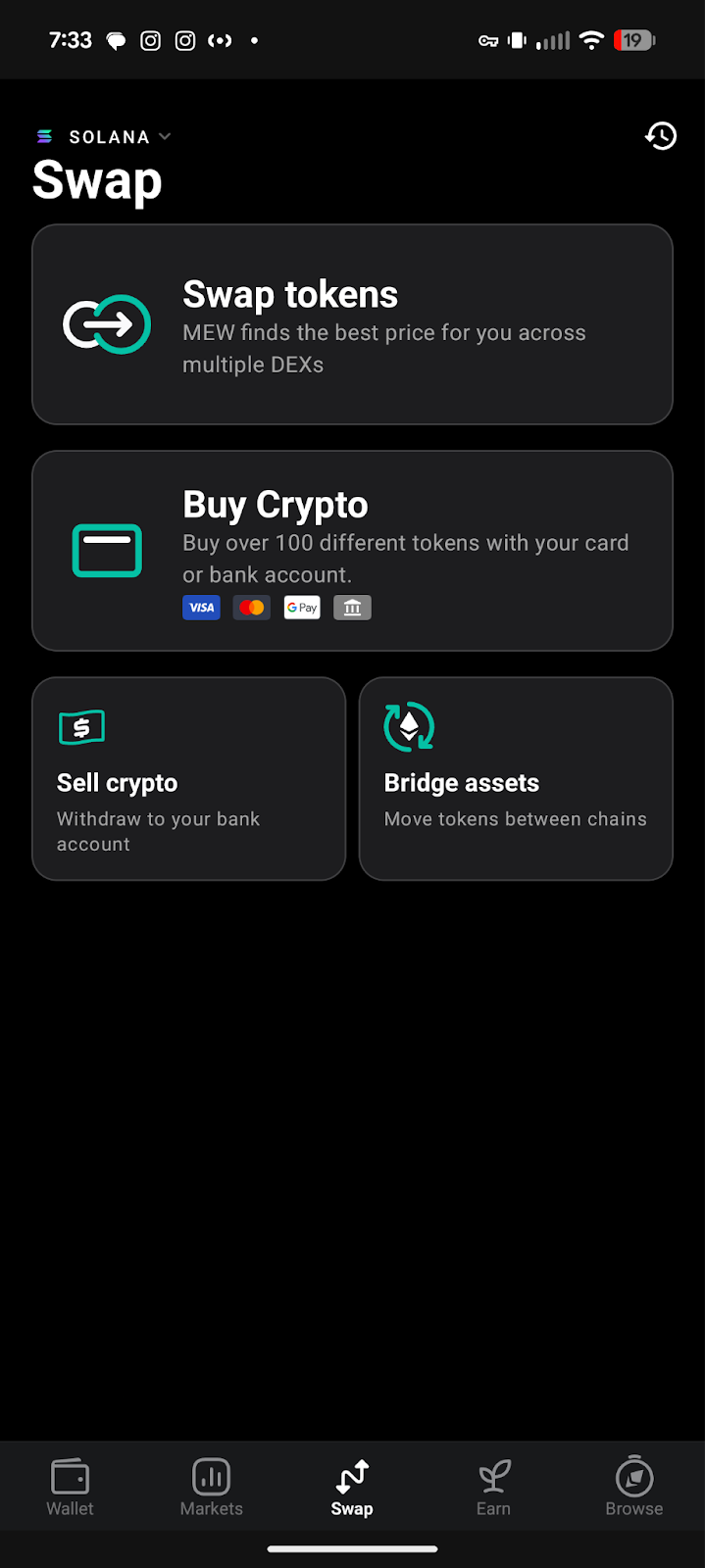
First, unlock your MEW Mobile wallet and make sure you are on the Solana network at the top left then click ‘Swap’ on the navigation bar at the bottom.
Select the ‘Swap tokens’ option
Select the ‘From’ token dropdown to open the token selection menu.
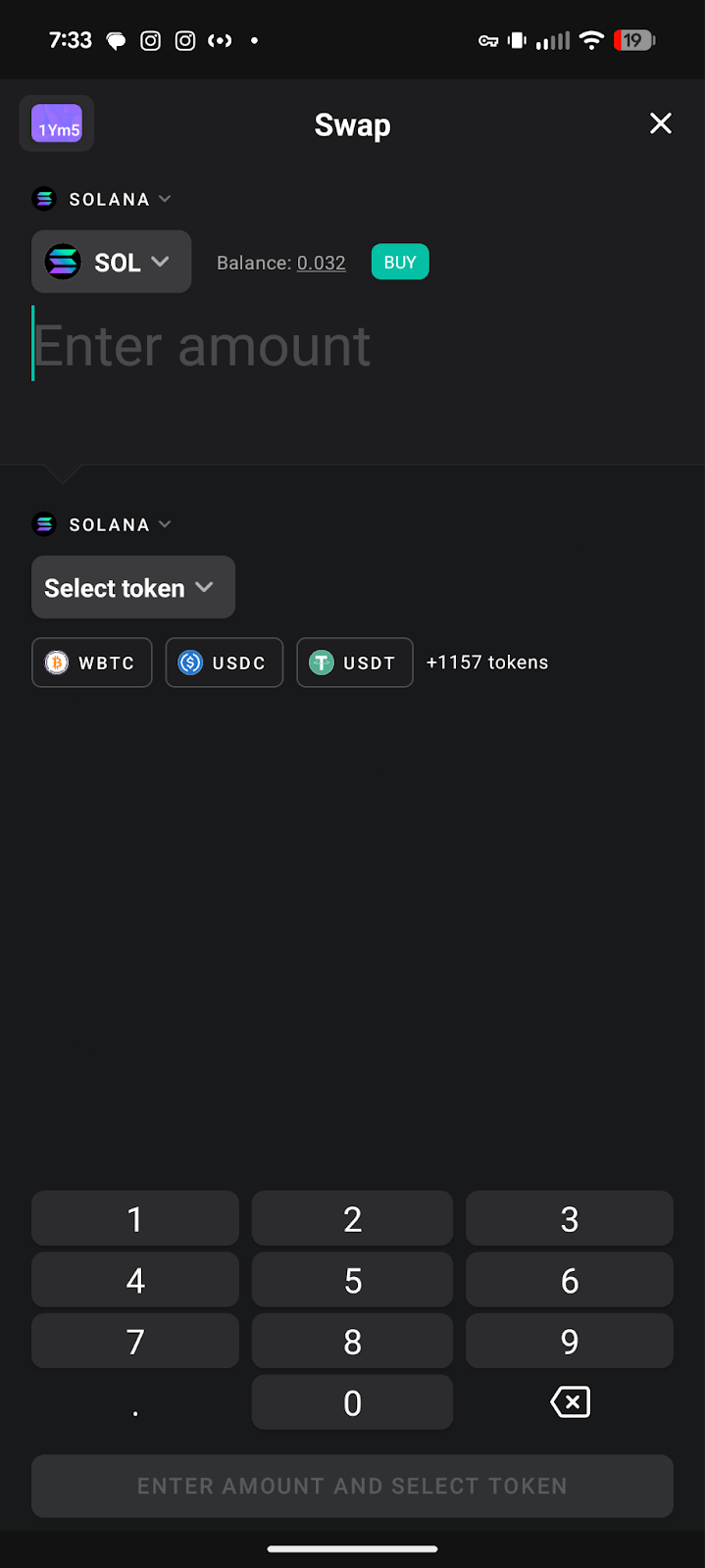
Select the token you want to swap from. We will leave it on the Solana token for this example.
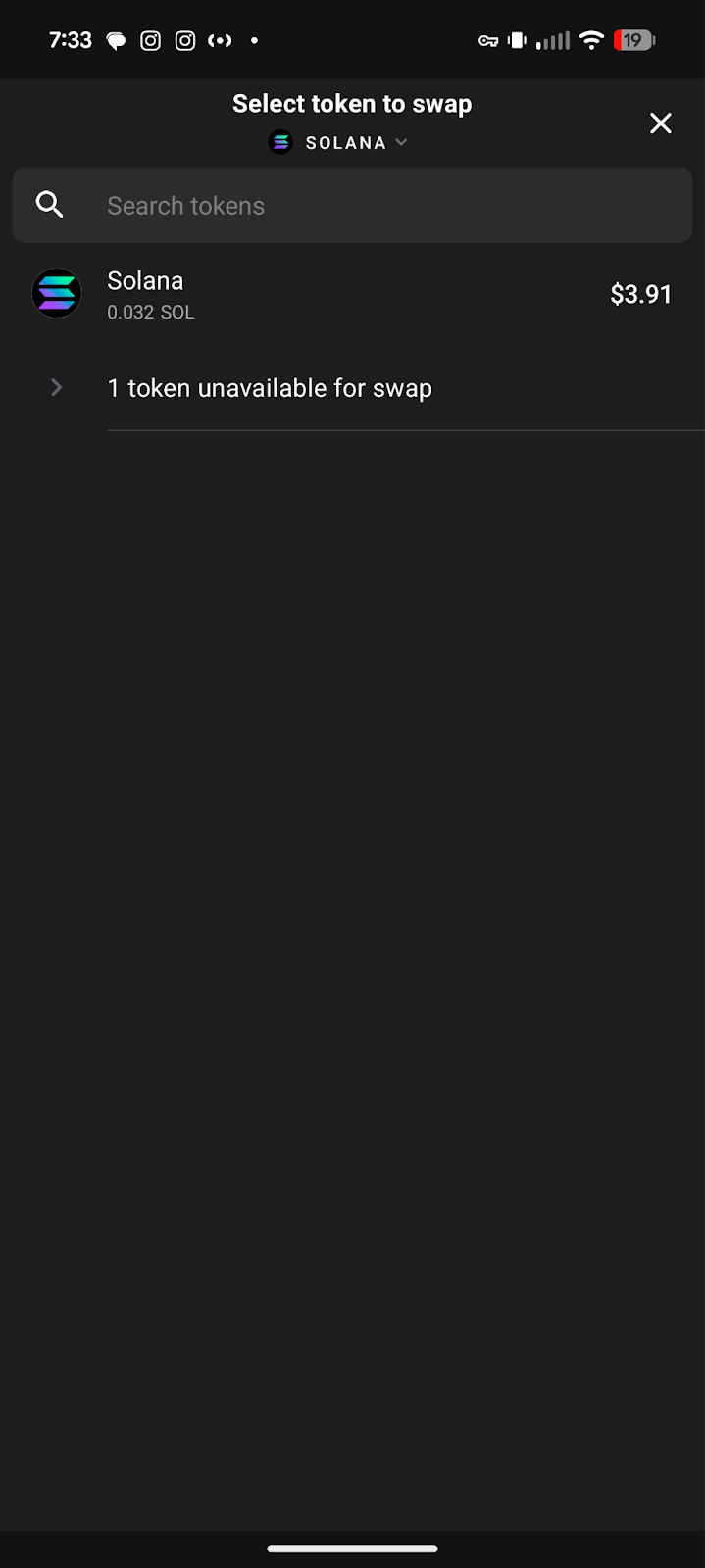
Select the ‘To’ token dropdown to open the token selection menu.
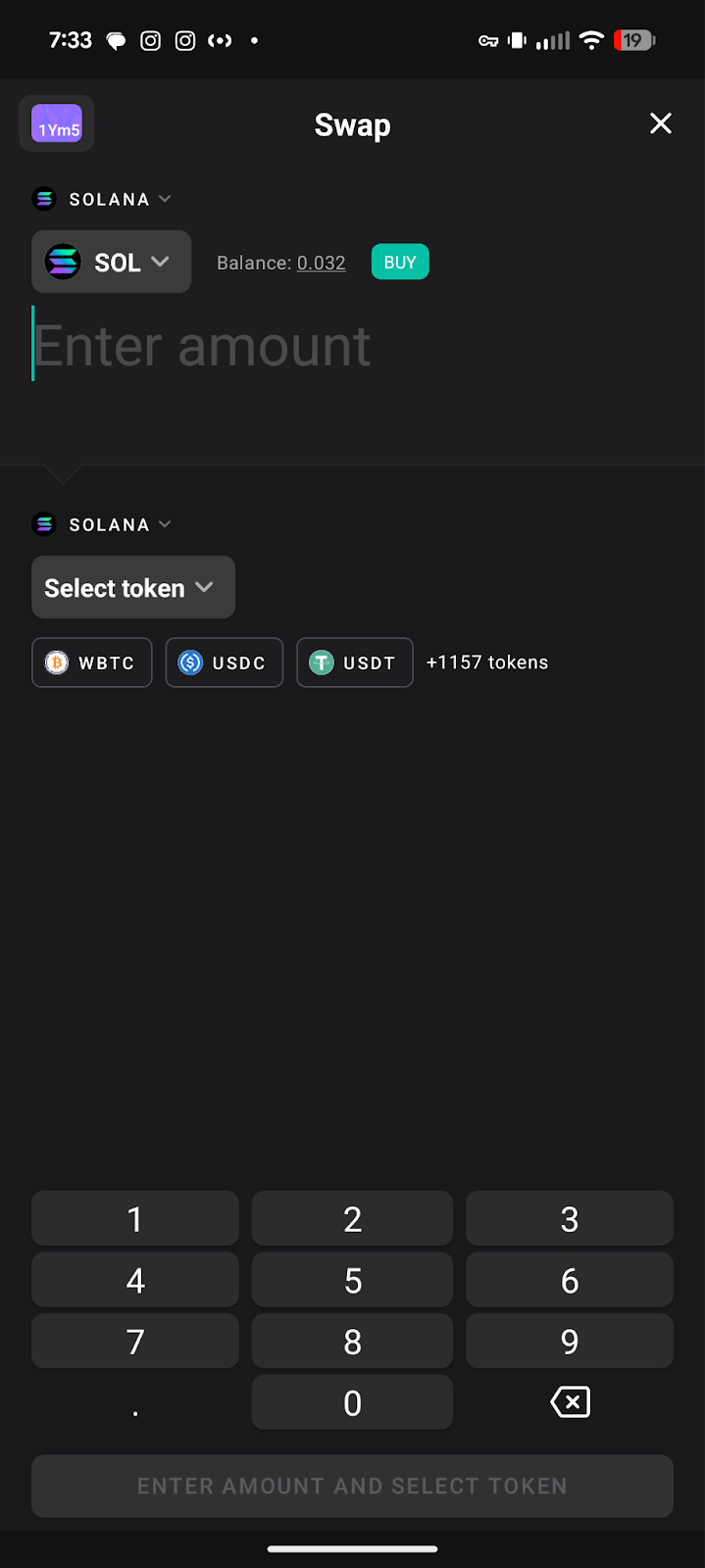
Select the token you want to receive. We will choose the Tokenized AAPL stock (AAPLx).

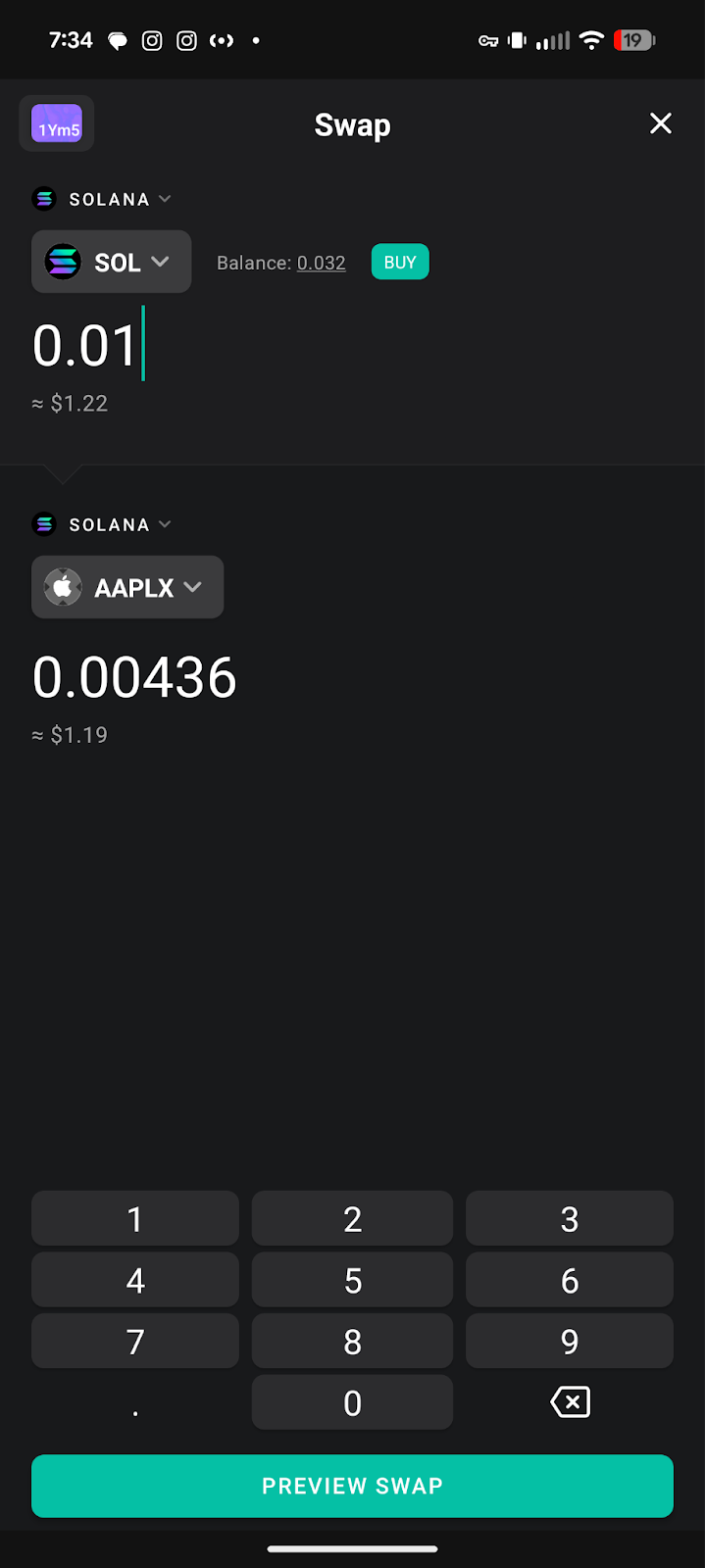
Enter the amount you want to swap then click ‘Preview Swap’.
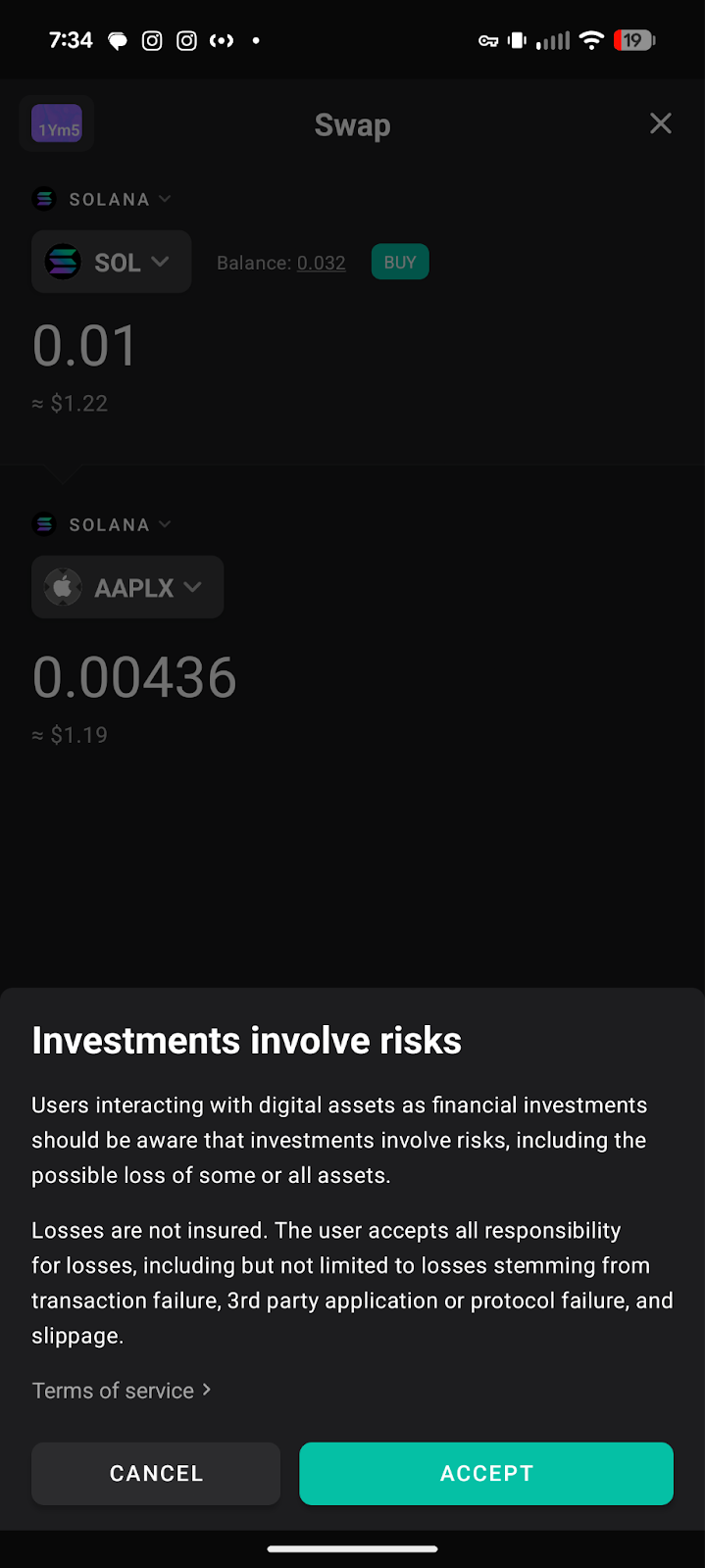
You may get a pop up asking you to accept the terms and conditions. Review the terms and conditions then click ‘Accept’.
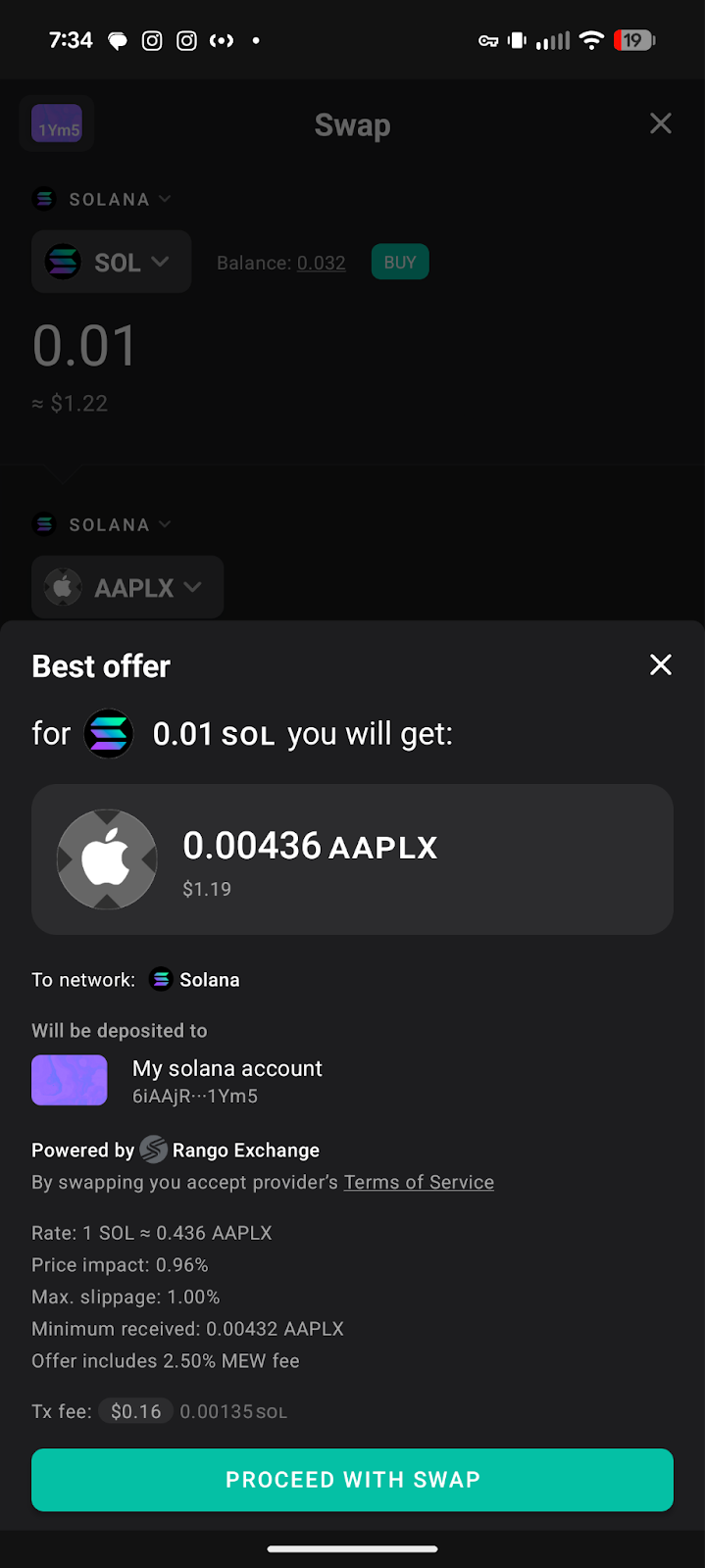
Review the swap then click ‘Proceed with Swap’.
You should see your swap has been initiated! It should take less than a minute for you to receive your tokens.

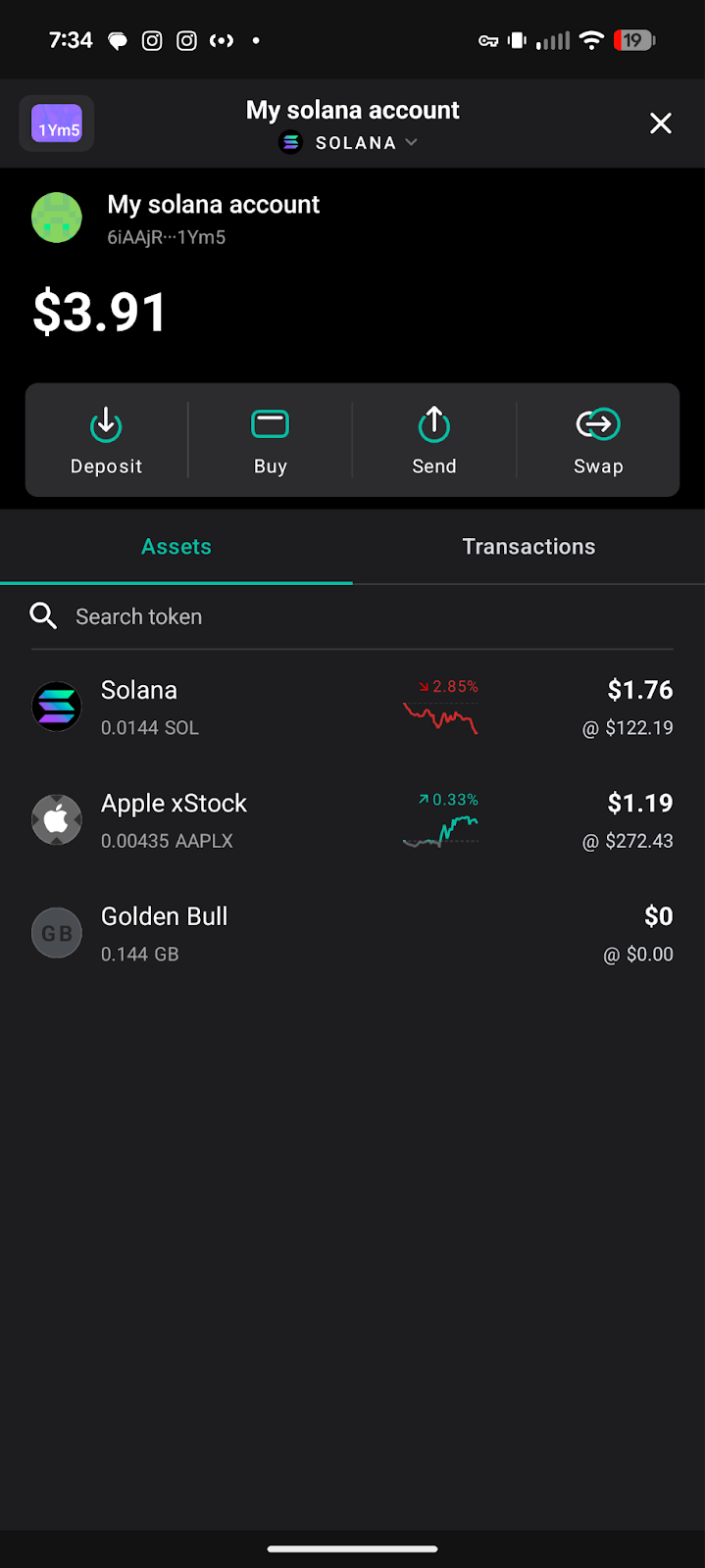
You should see your tokens in your MEW Mobile wallet and you should be able to send your tokenized stock to any Solana wallet now!
We love to hear feedback from our users! Make sure to follow us on X(Twitter) and let us know your thoughts. Sign up for our newsletter to stay up to date with MEW releases, and check out our weekly podcast Crypto Currents for the latest news in crypto.